YT Studio AI: wiring Vision, NLP and LLMs into a creator tool
Score a thumbnail and title before you upload. How I combined deterministic Google Cloud APIs with Gemini and Claude in a Spring Boot + React app, why facts go in before opinions, and what I'd change.
Creators spend hours on a video and minutes on its thumbnail and title — the two things that decide whether anyone clicks. I wanted a tool that answers, before upload: is this thumbnail readable on a phone? Does the title match what’s in the picture? How does it compare with what’s working for similar channels?
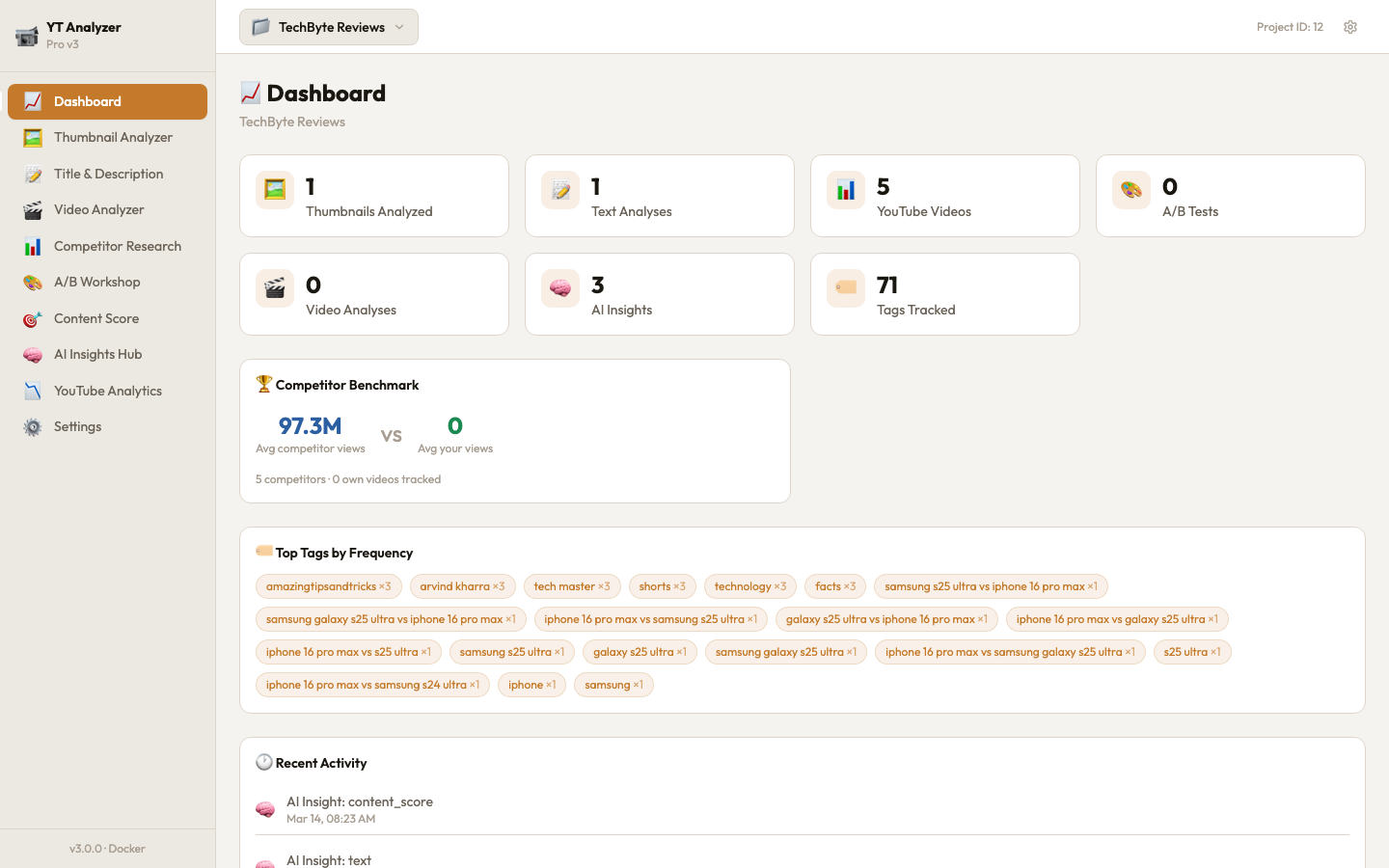
YT Studio AI is that tool: a full-stack app with a thumbnail analyzer, title and description analysis, video analysis, competitor research, an A/B workshop for thumbnail variants, a combined “content score”, and YouTube Analytics through OAuth.
Architecture
| Layer | Choice | Why |
|---|---|---|
| Frontend | React 18, Vite, Tailwind, Zustand, Recharts | Fast to build dashboards; small state store |
| Backend | Java 21, Spring Boot 3, WebClient | Many slow external calls; non-blocking HTTP client |
| Storage | PostgreSQL 16, 12 tables, JSONB columns | Relational for projects and history, JSONB for API responses whose shape I don’t control |
| External | Google Vision, Natural Language, Video Intelligence; YouTube Data and Analytics; Gemini or Claude | Specialised tools for facts, an LLM for judgment |
JSONB earns its place here. Vision and NLP responses are large, nested and change between API versions. Storing them as JSONB next to a few typed columns (scores, timestamps, foreign keys) means a new field from Google needs no schema migration.
Facts first, opinions second
The tempting design is to send the thumbnail straight to a multimodal LLM and ask “is this good?”. You get fluent answers, but nothing anchors them: scores drift between runs, and a confident reason may describe something that isn’t in the picture.
So the app splits the job:
- Deterministic APIs extract facts. Google Vision returns labels, detected text (OCR), faces, dominant colours and safe-search ratings; I compute the percentage of dark pixels myself. These are repeatable — the same image yields the same facts.
- The LLM reasons over the facts. The prompt carries those facts, plus the creator’s own history (past thumbnails analysed in this project) and competitor videos they’ve collected.
- The LLM must answer in a fixed JSON shape.
Respond ONLY in this exact JSON structure (no text before or after):
{
  "overall_score": 0-100,
  "scores": {
    "visibility":      { "score": 0-100, "reasoning": "..." },
    "emotion":         { "score": 0-100, "reasoning": "..." },
    "text_clarity":    { "score": 0-100, "reasoning": "..." },
    "color_impact":    { "score": 0-100, "reasoning": "..." },
    "mobile_friendly": { "score": 0-100, "reasoning": "..." },
    "content_relevance": { "score": 0-100, "reasoning": "..." }
  },
  "strengths": [...], "weaknesses": [...],
  "action_items": [{ "priority": "high|medium|low", "action": "...", "expected_impact": "..." }],
  "competitor_comparison": "...", "trend_vs_history": "...", "audience_fit": "..."
}
Structured output turned the LLM from a chat partner into a component: the backend parses scores into columns, the UI renders them as charts, and the A/B workshop compares variants field by field.
One interface, two providers
AiProviderService owns every prompt and delegates the actual API call:
private AiInsight callAi(String prompt, String analysisType, Long analysisId,
                         Long projectId, Map<String, Object> contextData) {
    if (apiKeyService.hasKey("gemini")) {
        return geminiService.callGemini(prompt, analysisType, analysisId, projectId, contextData);
    } else if (apiKeyService.hasKey("anthropic")) {
        return claudeService.callClaude(prompt, analysisType, analysisId, projectId, contextData);
    }
    throw new RuntimeException("No AI provider configured. Please add a Gemini or Anthropic API key in Settings.");
}
Gemini comes first because its free tier makes the tool usable at zero cost; Claude is there for users who prefer it. Keeping prompts in one place and providers behind a thin call keeps each provider class small — it only knows how to send a prompt and parse a reply — and every stored insight records which model produced it.
Users’ API keys, encrypted
Users paste their own Google and AI keys in Settings. They are stored encrypted with AES-256 in GCM mode: a fresh 12-byte random IV per value, a 128-bit authentication tag, and the IV stored alongside the ciphertext. GCM matters here: it doesn’t just hide the key, it detects tampering — a modified ciphertext fails to decrypt instead of decrypting to garbage.
What I’d do differently
- Provider fallback, not just provider choice. Today the app picks whichever key exists. If Gemini returns a 429 or a 5xx, the request fails even when a Claude key is configured. A fallback chain with a circuit breaker per provider would fix that.
- Validate the JSON, then retry once. Models occasionally wrap JSON in prose. Parse strictly against a schema and, on failure, retry once with the error message in the prompt.
- A real key-derivation step. The AES key is a SHA-256 hash of a configured secret. For a self-hosted tool that’s acceptable; for a hosted version I’d use a key-management service and envelope encryption.
Takeaways
- Let deterministic tools produce facts and let the model produce judgment — results get repeatable.
- Force structured output; it turns LLM responses into data your app can use.
- Put providers behind one interface early; models change faster than your code.
The full app — backend, frontend, Docker setup and screenshots — is on GitHub.